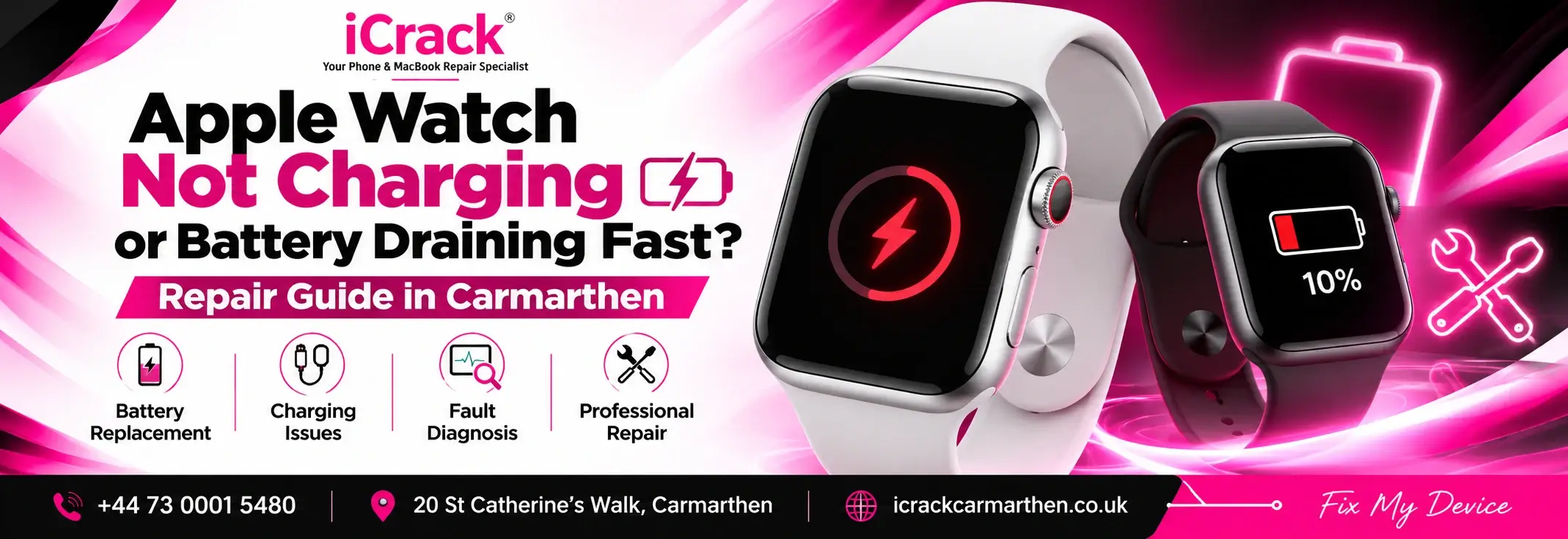
If you’re experiencing these problems and looking for Apple Watch repair Maidstone, here are some practical checks to try before considering a repair.
Your Apple Watch was working perfectly yesterday, but today it won’t charge, keeps switching off, or loses battery much faster than usual. Sound familiar?
Smartwatches have become part of everyday life, helping us track fitness, manage notifications and stay connected. When something goes wrong, it can be frustrating, especially if you rely on your watch throughout the day.
Why Is Your Apple Watch Battery Draining So Quickly?
Battery drain is one of the most common smartwatch complaints. However, a faulty battery isn’t always responsible.
Several factors can affect battery performance:
- Ageing battery: Rechargeable batteries gradually lose capacity with regular use.
- Software updates: Background processes after an update can temporarily increase battery consumption.
- Always-On Display: Keeping the screen active can use additional power.
- Background apps: Fitness tracking, location services and frequent notifications can affect battery life.
- Poor connectivity: Constantly searching for a network can increase power consumption.
If your watch suddenly starts losing charge, check whether you’ve recently installed an update or changed any settings.
You can also open Settings > Battery > Battery Health on supported Apple Watch models to check the battery’s maximum capacity.
Apple Watch Not Charging? Try These Simple Fixes for Apple Watch repair Maidstone
Before assuming your Apple Watch needs a charging repair, try the following steps.
1. Check Your Magnetic Charger
Make sure the charging cable is connected properly and the watch is positioned correctly on the magnetic charging surface.
If possible, test another compatible charger and power adapter.
2. Clean the Charging Surface
Dust, sweat and dirt can collect on the back of your watch.
Gently clean the watch and charger using a soft, dry cloth. Avoid sharp objects, excessive moisture or harsh cleaning chemicals.
3. Restart Your Apple Watch
Sometimes a temporary software issue can prevent normal charging.
If your watch is unresponsive, a force restart may help. Hold the side button and Digital Crown together for at least ten seconds until the Apple logo appears.
4. Allow Time for Charging
If the battery is completely drained, your Apple Watch may not respond immediately.
Leave it connected to a compatible charger for around 30 minutes before checking again.
If these steps don’t work, the problem may require professional diagnosis.
When Does an Apple Watch Need Battery Replacement?
An ageing battery can make an otherwise functional smartwatch difficult to use.
Signs that your Apple Watch may need a battery assessment include:
- Battery draining unusually quickly during normal use.
- Unexpected shutdowns despite showing remaining charge.
- Charging percentage behaving inconsistently.
- A battery service warning appearing in settings.
- Noticeably reduced battery life compared with previous months.
An Apple Watch repair Maidstone may be worth considering, depending on the model, battery condition and repair cost.
If the watch is swollen, unusually hot or physically damaged, stop charging it and arrange an assessment.
What About Samsung Galaxy Watch Charging Problems?
Apple Watches aren’t the only smartwatches that experience charging difficulties.
Samsung Galaxy Watch users can also encounter slow charging, unexpected battery drain and connection problems.
Before booking a Samsung Galaxy Watch repair, check that you’re using a compatible charger, remove accessories that may interfere with charging and ensure the charging surfaces are clean and dry.
Samsung’s diagnostic tools may also help identify certain battery or wireless charging issues on supported models.
Is Smartwatch Repair Worth It?
Replacing a smartwatch isn’t always necessary when something stops working.
If the display is in good condition and the watch still performs well, repairing a charging or battery problem may be more economical than purchasing a replacement.
However, smartwatch repairs can be more complicated than phone repairs because of their compact construction and adhesive seals. Repair feasibility and water resistance after opening depend on the model and procedure.
Also Visit: MacBook Not Charging
Looking for Smartwatch Repair in Maidstone?
If your Apple Watch or Samsung Galaxy Watch isn’t charging, keeps switching off or has poor battery life, iCrack Maidstone can be contacted to discuss the problem and available assessment options.
Visit us at , or get in touch to confirm whether your particular smartwatch model and fault can be assessed.
Don’t replace your smartwatch before exploring your repair options. A proper diagnosis can help you make an informed decision.