
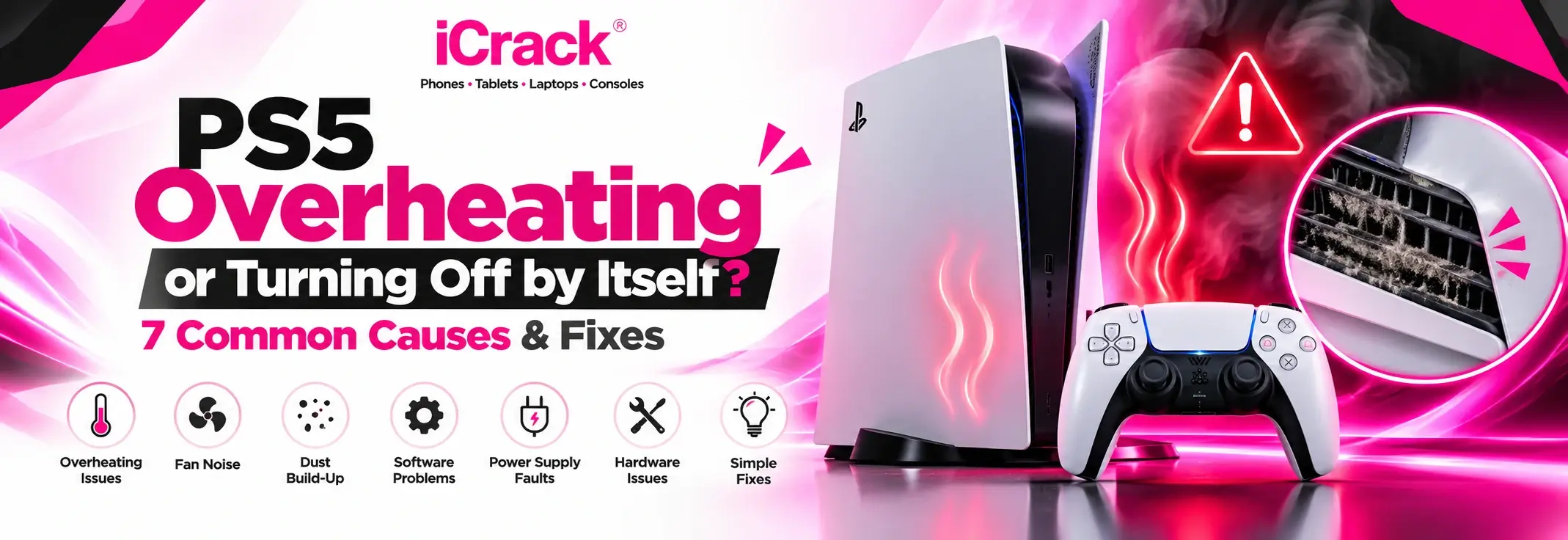
You’re halfway through an exciting game when your PlayStation 5 suddenly switches off. No warning, no explanation, just a black screen. Sound familiar?
PS5 overheating and unexpected shutdowns can be frustrating, particularly when you’re enjoying demanding games or playing online with friends.
The good news is that not every shutdown means your console needs replacing. Sometimes, a few simple checks can make a difference.
Here are seven common reasons your PS5 might be overheating or turning off by itself, along with practical ways to troubleshoot the problem.
1. Dust Blocking the Air Vents
Dust naturally collects around electronic devices, and gaming consoles are no exception.
Over time, dust can restrict airflow through your PS5, making it harder for the cooling system to remove heat.
What to do: Turn off the console, unplug it and allow it to cool. Check the external vents for dust and carefully clean them using a low-powered vacuum, following Sony’s guidance.
Avoid pushing objects into the vents.
2. Poor Ventilation Around Your Console
Where you keep your PS5 matters more than you might think.
Placing it inside a closed TV cabinet, directly against a wall or on a thick carpet can restrict airflow.
What to do: Position your console on a firm, flat surface with plenty of ventilation.
Sony recommends leaving at least 10 cm of space between the console and surrounding walls.
3. Cooling Fan Problems
Your PS5 uses an internal fan to help control its temperature.
It’s normal for the fan to become louder during demanding games. However, unusual grinding noises, persistent rattling or repeated overheating warnings could indicate a cooling problem.
What to do: Listen for unusual sounds and check whether the vents are clear.
If the fan appears damaged, professional inspection is safer than attempting to replace internal components yourself.
4. Internal Dust Build-Up
Even when the outside looks clean, dust can accumulate deeper inside your console.
A blocked internal heatsink can reduce cooling efficiency and contribute to overheating during longer gaming sessions.
What to do: Start with safe external cleaning and improved ventilation.
If the PS5 continues overheating, a technician may need to inspect and clean its internal cooling system.
5. Software or System Issues
Not every unexpected shutdown is caused by overheating.
Software errors, corrupted system data or interrupted updates can sometimes affect how your console operates.
What to do: Check for available system software updates and restart your PS5.
If problems continue, PlayStation Safe Mode offers troubleshooting options, including clearing the system software cache and rebuilding the database.
Avoid factory reset options unless necessary, as some procedures erase saved data.
6. Power Supply Problems
If your PS5 switches off without displaying an overheating warning, the issue might involve its power supply.
A damaged power cable, unreliable socket or internal electrical fault could interrupt power unexpectedly.
What to do: Inspect the power cable for damage and check that it’s securely connected.
You can also test a different suitable wall socket.
If the console repeatedly loses power, stop using it until the cause has been investigated.
7. Internal Cooling System Faults
The PS5 uses a sophisticated cooling system to manage heat generated during gameplay.
If its thermal interface or other cooling components develop problems, the console may struggle to maintain safe operating temperatures.
What to do: Avoid opening the cooling assembly or handling liquid metal yourself.
These repairs require specialist knowledge and suitable equipment.
Signs Your PS5 Needs Professional Attention
Some problems are best left to an experienced technician.
Consider arranging an inspection if:
- Your PS5 repeatedly switches off during gameplay.
- Overheating warnings appear regularly.
- The fan makes unusual grinding or rattling noises.
- The console becomes excessively hot despite good ventilation.
- Basic troubleshooting hasn’t resolved the problem.
If you notice smoke, burning smells or abnormal electrical noises, stop using the console immediately.
PS5 Repair in Maidstone
If your PlayStation 5 continues overheating or shutting down unexpectedly, professional diagnostics can help identify the underlying problem.
At iCrack Maidstone, customers can enquire about gaming console repair services and troubleshooting support.
Visit us at 9 Fremlin Walk, Maidstone ME14 1QG, or contact the shop to discuss your PS5 symptoms and available repair options.
Also Visit: Laptop Overheating and Fan Making Noise?
Final Thoughts
A PS5 that overheats or switches off unexpectedly doesn’t always need an expensive repair.
Start by checking ventilation, removing external dust and reviewing software updates. If the issue continues, professional assessment can help determine whether the problem involves cooling components, power delivery or another internal fault.
Addressing the problem early may help you avoid further interruptions to your gaming.